

How to Cut Screen Time Before Bed for Better Sleep
Are you finding it harder to fall asleep, even when you feel exhausted? You’re not alone. In our always-on world, the glow of screens has become a ubiquitous part of our evening routines. But this constant exposure to digital devices right before bed can significantly disrupt your sleep. Learning how to cut screen time before bed isn’t just about willpower; it’s about understanding the science and implementing smart strategies to reclaim your rest.
Advertisements
The blue light emitted by phones, tablets, computers, and even TVs can trick your brain into thinking it’s still daytime, suppressing the production of melatonin, the hormone that tells your body it’s time to sleep. This isn’t just about falling asleep faster; it’s about improving the quality of your sleep, which impacts everything from your mood and energy levels to your overall health. Let’s dive into practical ways you can reduce your evening screen exposure and wake up feeling more refreshed.
Understanding the Impact of Evening Screen Use
Before we talk about solutions, it’s crucial to understand why screens are such a problem for our sleep. It’s primarily due to blue light. Our bodies have an internal clock, called the circadian rhythm, which is highly sensitive to light. Exposure to bright light, especially blue light, signals to our brains that it’s daytime, interfering with our natural sleep-wake cycle.
When you scroll through social media or binge-watch a show late into the night, your brain receives these ‘daylight’ signals, delaying the release of melatonin. This makes it harder to fall asleep, and even when you do, the quality of that sleep can be compromised. Fragmented sleep and reduced REM cycles can leave you feeling groggy and unrested the next day, creating a vicious cycle of fatigue and reliance on stimulants like caffeine.
Beyond blue light, the content itself can be stimulating. Engaging with exciting shows, stressful news, or even work emails right before bed can keep your mind active and prevent it from winding down. Your brain needs time to decompress and prepare for rest, something that’s hard to achieve when you’re constantly bombarded with new information and stimuli.
Setting Up a Digital Sunset: Practical Strategies
The good news is that with a few intentional changes, you can significantly cut screen time before bed and create a more conducive environment for sleep. The key is to establish a ‘digital sunset’ – a period before bed where you consciously disconnect from screens.
Implement a "No Screens in the Bedroom" Rule
This is perhaps the most impactful change you can make. Your bedroom should be a sanctuary for sleep and relaxation, not a digital entertainment hub. Remove TVs, laptops, and tablets from your sleeping space. If you use your phone as an alarm, consider getting a traditional alarm clock. This simple rule creates a clear boundary between your waking, connected life and your restful sleep environment.
When your phone isn’t within arm’s reach, the temptation to pick it up for a quick scroll or check becomes much lower. This physical separation is a powerful deterrent. Many people find that simply having their phone out of sight, or even in another room, makes a huge difference in their ability to disconnect.
Establish a Consistent "Screen Curfew"
Decide on a specific time each evening when all screens go off. For most people, aiming for at least 60-90 minutes before your desired bedtime is a good starting point, but ideally, two hours is even better. Treat this like an unbreakable appointment. Set a reminder on your phone or computer to signal the start of your screen-free period.
During this curfew, avoid all electronic devices that emit blue light. This includes your smartphone, tablet, laptop, and even your e-reader if it has a backlit screen. Consistency is key here; sticking to the same curfew every night helps train your body to wind down at a predictable time.
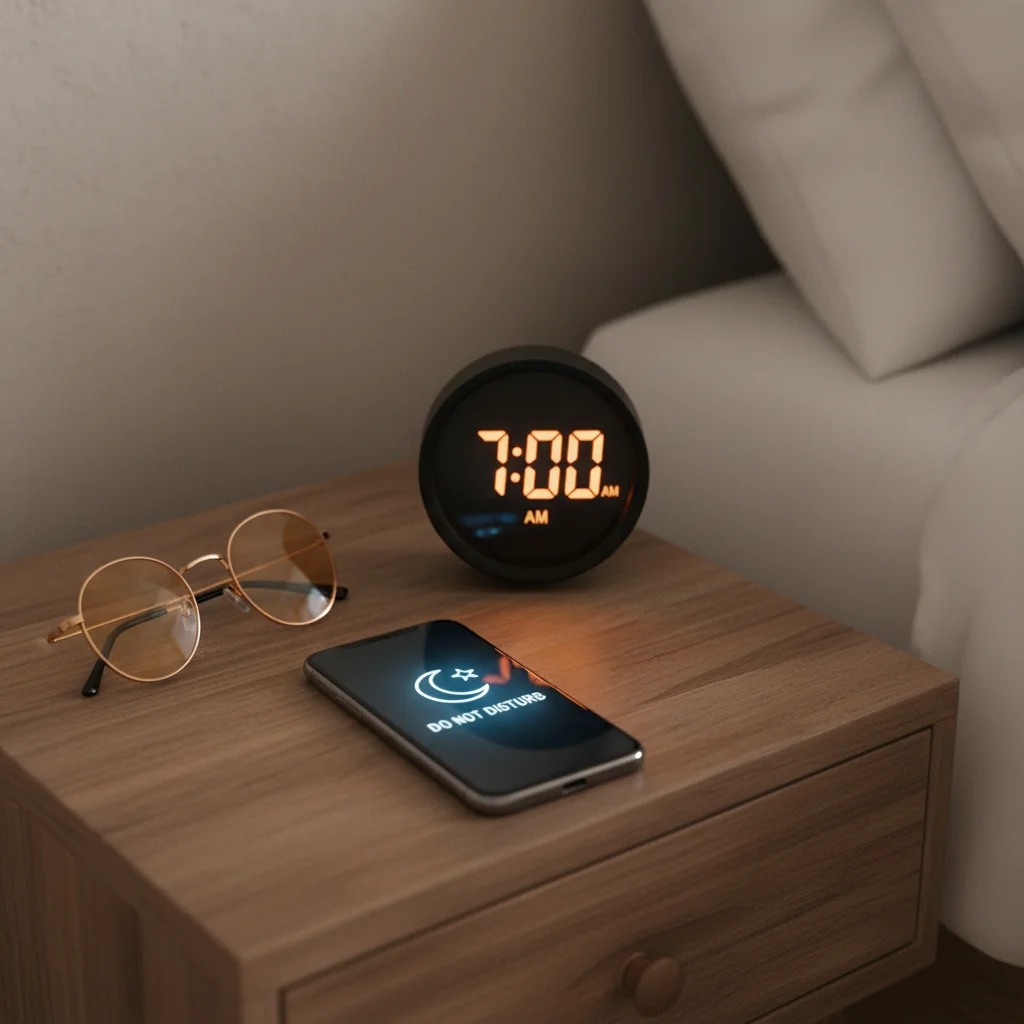
Consider using your phone’s ‘Do Not Disturb’ feature during your screen curfew. Many phones allow you to schedule this feature, so it automatically activates each night. This prevents notifications from pulling you back to your device, even if it’s in another room. For those who need to be reachable for emergencies, most ‘Do Not Disturb’ settings allow you to whitelist certain contacts.
Alternative Bedtime Activities That Promote Sleep
Once you’ve decided to cut screen time before bed, you might wonder what to do with that newfound free time. This is where you can introduce relaxing activities that actually prepare your body and mind for sleep.
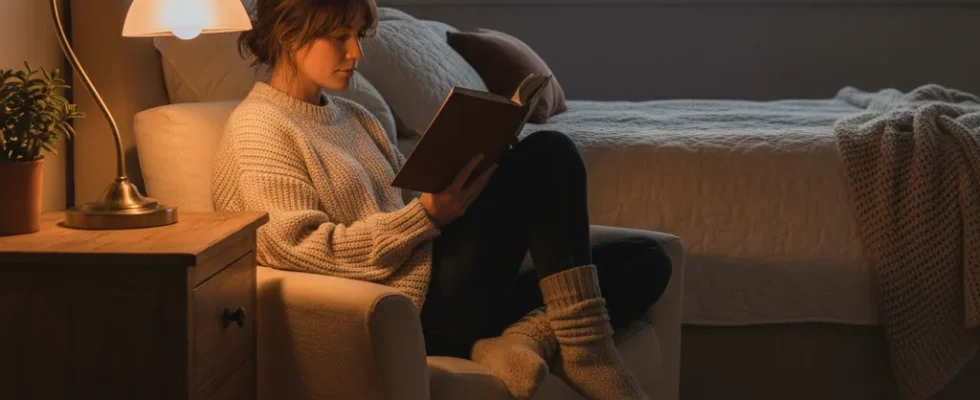
- Read a Physical Book: There’s nothing quite like turning the pages of a good old-fashioned book. The lack of blue light and the immersive nature of reading can help your mind drift away from daily stressors. Choose something calming, not a thrilling page-turner that might keep you awake.
- Listen to Calming Music or a Podcast: Create a playlist of soothing instrumental music or find a podcast that’s designed for relaxation or storytelling. Avoid anything too stimulating or emotionally charged. Many apps offer sleep stories or guided meditations that can be very effective.
- Practice Relaxation Techniques: Gentle stretching, deep breathing exercises, or meditation can significantly calm your nervous system. There are many free apps and online resources that can guide you through these practices, helping you release tension and quiet your mind.
- Journaling: If your mind is racing with thoughts or worries, try journaling for 10-15 minutes before bed. Get everything out on paper. This can help clear your head, allowing you to approach sleep with a lighter mental load.
- Take a Warm Bath or Shower: The drop in body temperature after a warm bath or shower can promote drowsiness. Add some essential oils like lavender for an extra layer of relaxation.
- Engage in Quiet Hobbies: If you enjoy knitting, drawing, or other low-key hobbies, this can be a perfect time to indulge. Just ensure the activity isn’t too stimulating or requires bright lights.
Optimizing Your Environment and Habits
Beyond cutting screen time, a few other environmental and habitual adjustments can further enhance your sleep quality.
- Dim the Lights: As your screen curfew approaches, start dimming the lights in your home. Use lamps instead of overhead lights, and opt for warmer, lower-wattage bulbs. This signals to your brain that evening is progressing and it’s time to prepare for sleep.
- Consider Blue Light Filtering Glasses: If completely avoiding screens isn’t always possible (e.g., for work or emergencies), consider investing in blue light filtering glasses. These can help block some of the harmful blue light spectrum, though they are not a substitute for reducing screen use altogether.
- Create a "Wind-Down" Routine: Just as children have bedtime routines, adults benefit from them too. This might include brushing your teeth, washing your face, reading, and then getting into bed. A consistent routine signals to your body that sleep is coming, making the transition smoother.
- Be Mindful of Caffeine and Alcohol: Both caffeine and alcohol can disrupt sleep. Try to avoid caffeine in the late afternoon and evening, and limit alcohol consumption, especially close to bedtime. While alcohol might initially make you feel drowsy, it often leads to fragmented sleep later in the night.
Making these changes won’t happen overnight, but consistency is key. Start with one or two strategies and gradually incorporate more. Your sleep, and your overall well-being, will thank you for it.
Quick Takeaways / Key Points
- Blue light from screens suppresses melatonin, disrupting your natural sleep cycle.
- Implement a "no screens in the bedroom" rule and a consistent "screen curfew" at least 60-90 minutes before bed.
- Replace screen time with relaxing activities like reading, listening to music, journaling, or taking a warm bath.
FAQ
- How long before bed should I stop looking at screens?
- Most sleep experts recommend stopping screen use at least 60-90 minutes before your desired bedtime. Ideally, two hours provides even more benefit for melatonin production and mental winding down.
- Can blue light filters on devices help?
- While blue light filters (like Night Shift on iPhones or Night Light on Android) can reduce some blue light, they don’t eliminate it entirely. They are a helpful secondary measure but not a replacement for physically cutting screen time before bed.
- What if I use my phone as an alarm?
- Consider purchasing a traditional alarm clock. This allows you to keep your phone out of the bedroom, removing the temptation to check notifications or scroll before falling asleep or upon waking.
Conclusion
Mastering how to cut screen time before bed is a powerful step towards achieving better, more restorative sleep. By understanding the impact of screens and intentionally creating a digital sunset, you’re not just improving your nights, but enhancing your days. Start small, be consistent, and enjoy the profound benefits of a truly restful night. Your body and mind will thrive with this renewed commitment to sleep health.
This article is for informational purposes only and is not a substitute for professional medical advice. Talk to your doctor before making changes to your health routine.